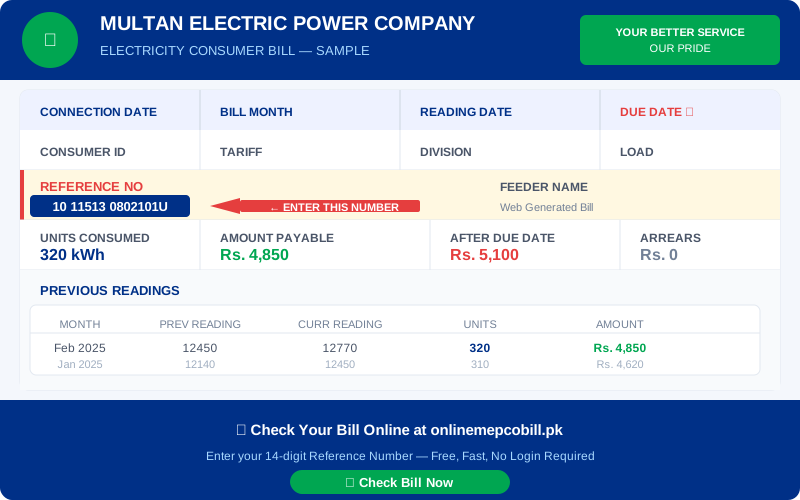
Frustrating when your MEPCO bill is not showing online? This is a common issue that most consumers face at some point. Here are all the reasons why your MEPCO bill may not appear and exactly how to fix each one.
Reason 1 — Wrong Reference Number
The most common cause. Your reference number must be exactly 14 digits. A common mistake is misreading a 1 as an I, or a 0 as an O.
Fix: Look at your paper bill carefully. Count the digits one by one. Make sure you are entering numbers only — no letters, spaces, or dashes.
Reason 2 — Bill Not Generated Yet
MEPCO generates bills on a monthly cycle. After your meter reading date, it takes 3 to 5 days for the bill to appear in the online system.
Fix: Check the reading date on your previous bill. If your meter was read recently, wait 3-5 days and try again.
Reason 3 — Bill Already Paid
If someone in your household already paid the bill, the system may show no outstanding balance — which can look like the bill is not there.
Fix: Confirm with your household whether the bill was already paid.
Reason 4 — PITC Portal Temporarily Down
The official PITC government portal experiences occasional downtime, especially during peak hours (evenings) or scheduled maintenance.
Fix: Try again after 30 minutes. Early morning hours (6am to 9am) usually have the least server load.
Reason 5 — New Connection
If your electricity connection was newly installed within the past 1-2 months, your account may not yet be fully registered in the PITC online system.
Fix: Visit your nearest MEPCO office with your connection documents and ask them to verify your reference number is active in the system.
Reason 6 — Disconnected Connection
If your electricity connection has been disconnected due to non-payment or other reasons, your bill may not show in the regular lookup.
Fix: Visit your local MEPCO office or call helpline 118 to resolve the connection status.
Still Not Working?
If none of the above fixes work, contact MEPCO directly: Helpline 118 or visit mepco.com.pk.
⚡ Check Your Electricity Bill Now
Works for MEPCO, LESCO, IESCO, FESCO, PESCO, HESCO, QESCO, SEPCO & TESCO — Free, No Login
Check My Bill Free ⚡